Local library
Create a desktop library, unlock it with your passphrase and recovery key, and keep notebook content off hosted accounts.
Features
Onnoir starts as a quiet writing space and keeps the surrounding context nearby: source files, document text, canvases, notebooks, graph context, export, and recovery.
Create a desktop library, unlock it with your passphrase and recovery key, and keep notebook content off hosted accounts.
Write with prose, tasks, links, tables, callouts, folds, margin notes, code blocks, math, Mermaid diagrams, and embedded local media.
Keep images, PDFs, documents, video, audio, references, and canvas scenes connected to the pages that use them.
Search notes, Cabinet items, and extracted text from supported PDFs, DOCX, Markdown, plain text, and OCR-readable PDFs when indexing succeeds.
Move through notebooks, threads, collections, search, Today capture, and Atlas without losing the larger project.
Use Markdown for readable copies and encrypted .onbk backups for exact restore. Verify backups before updates.
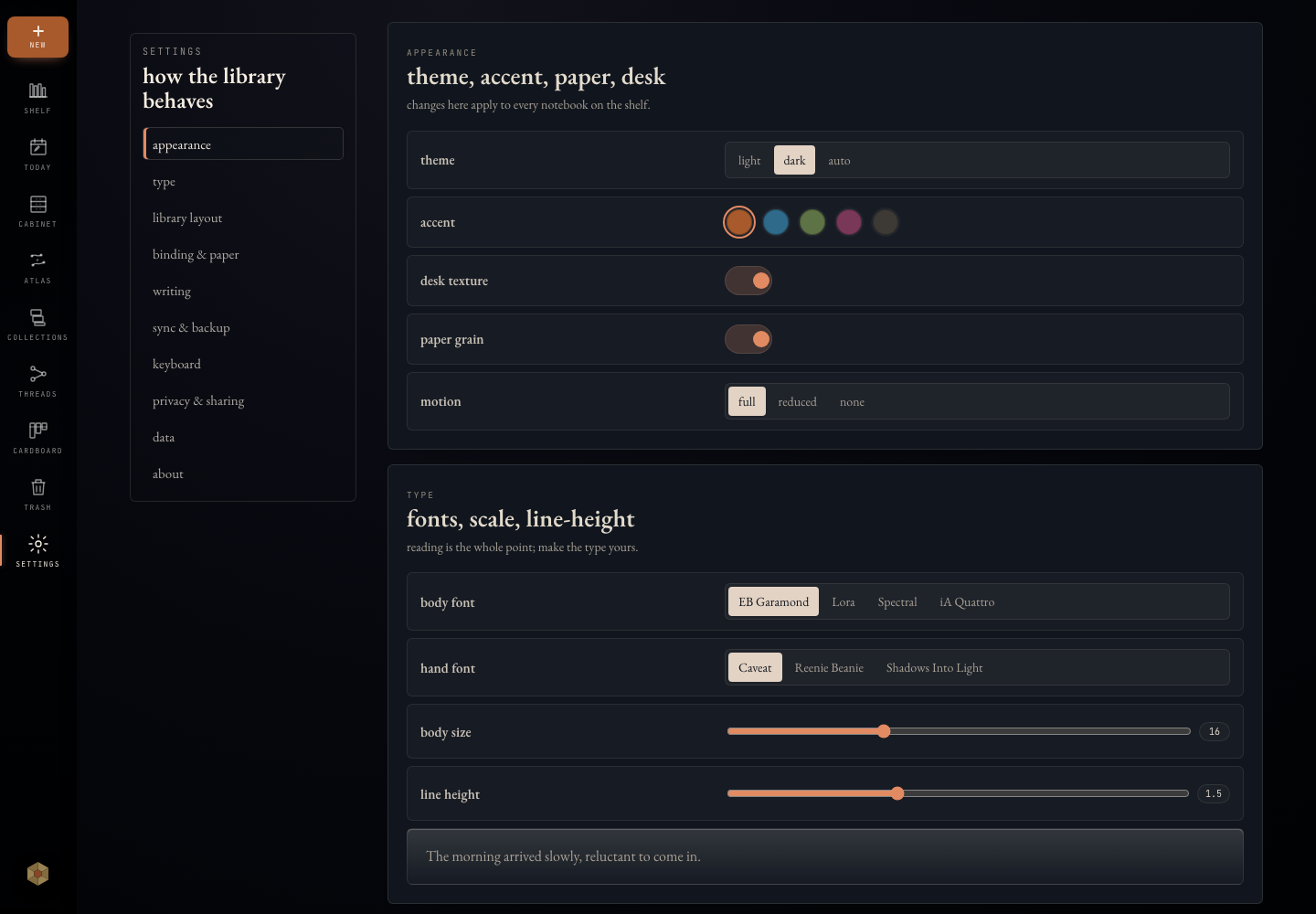
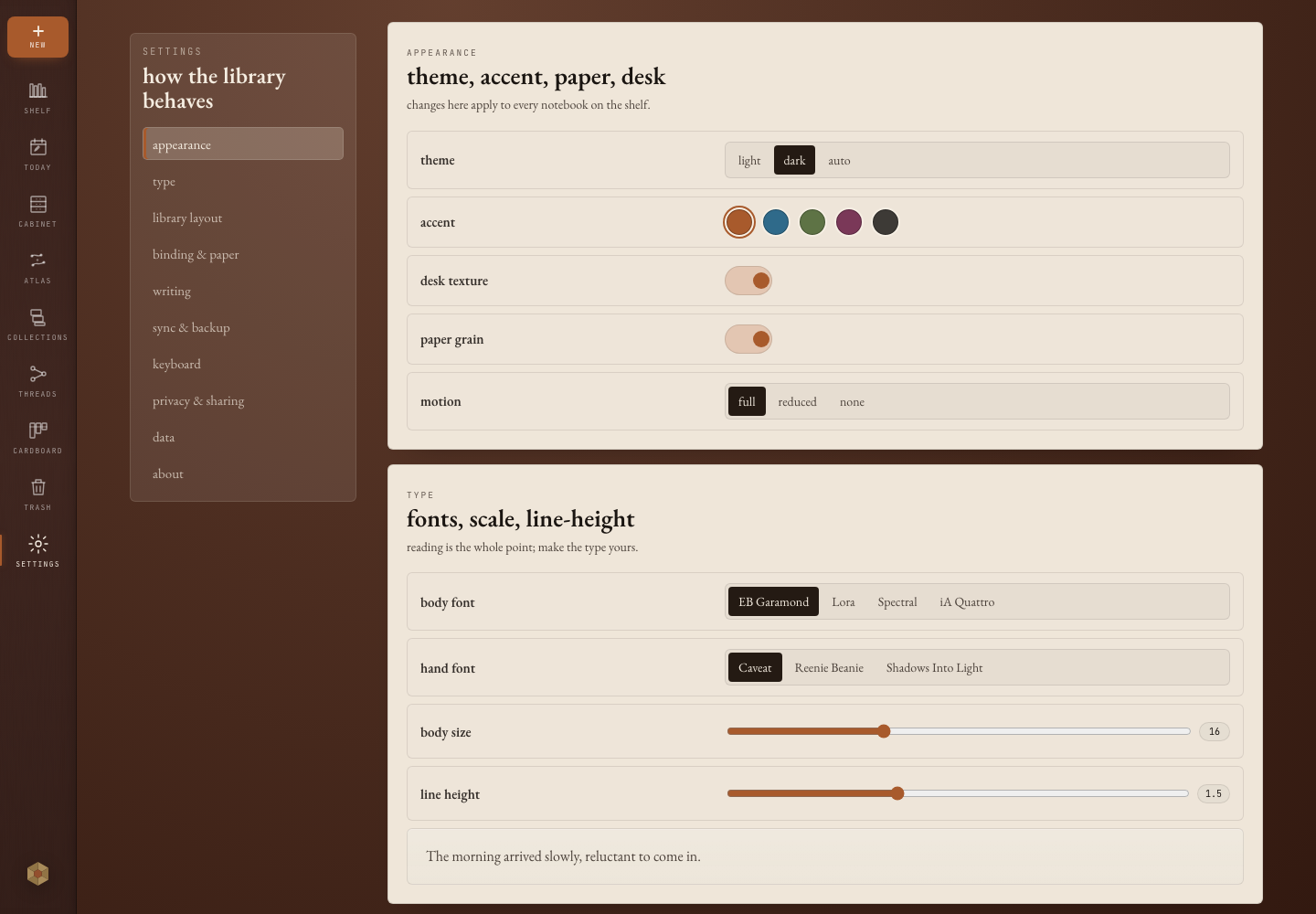
Manage appearance, keyboard behavior, writing defaults, privacy, backups, and update checks from local settings.
How it feels
Drop source material into Cabinet, write the summary on a page, and return through search when the source matters again.
Use notebooks, threads, Today capture, and Atlas when a few pages become a project you need to understand later.
Use Markdown export for readable copies and verified backups when the full local library needs a recovery path.
Pages
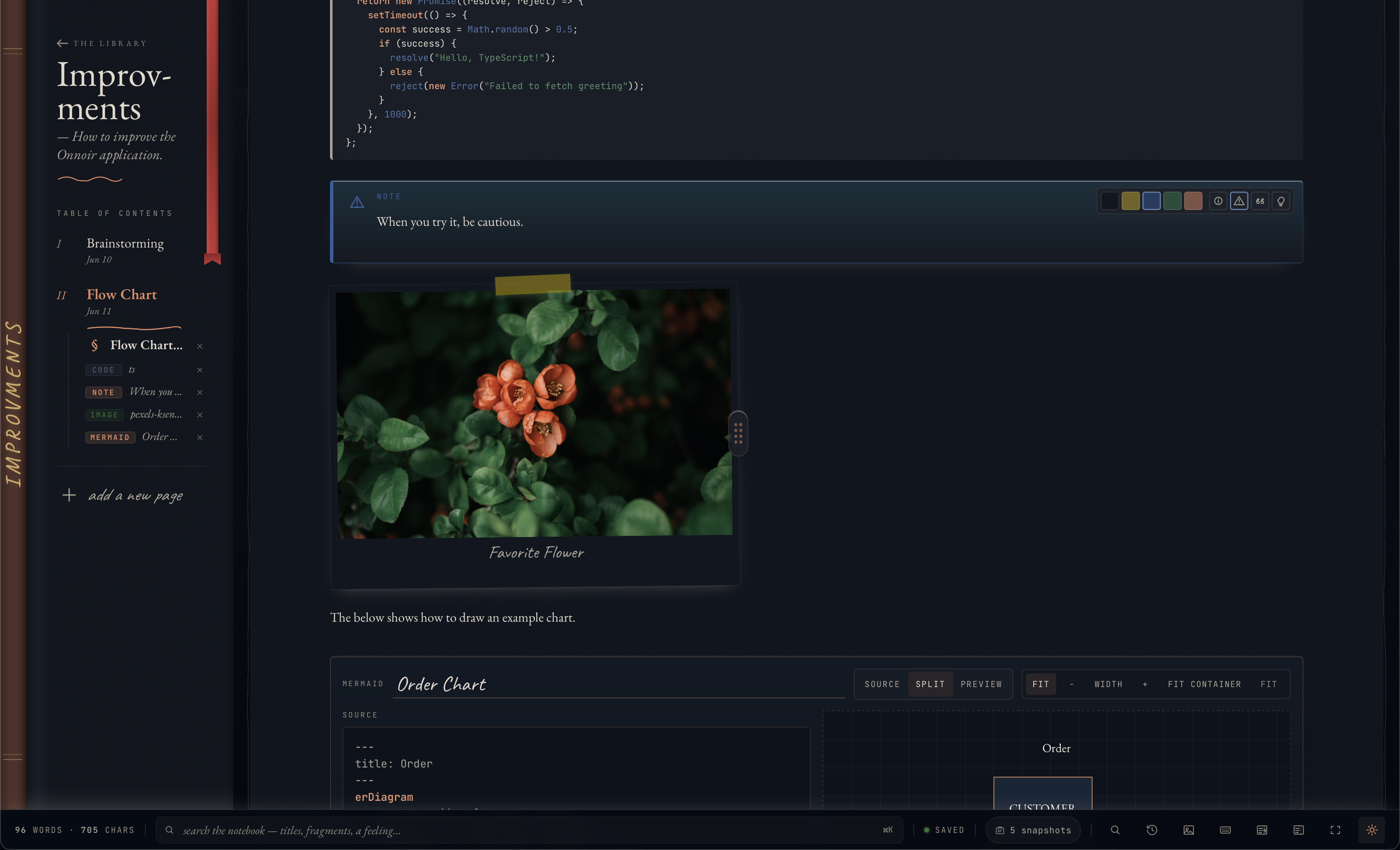
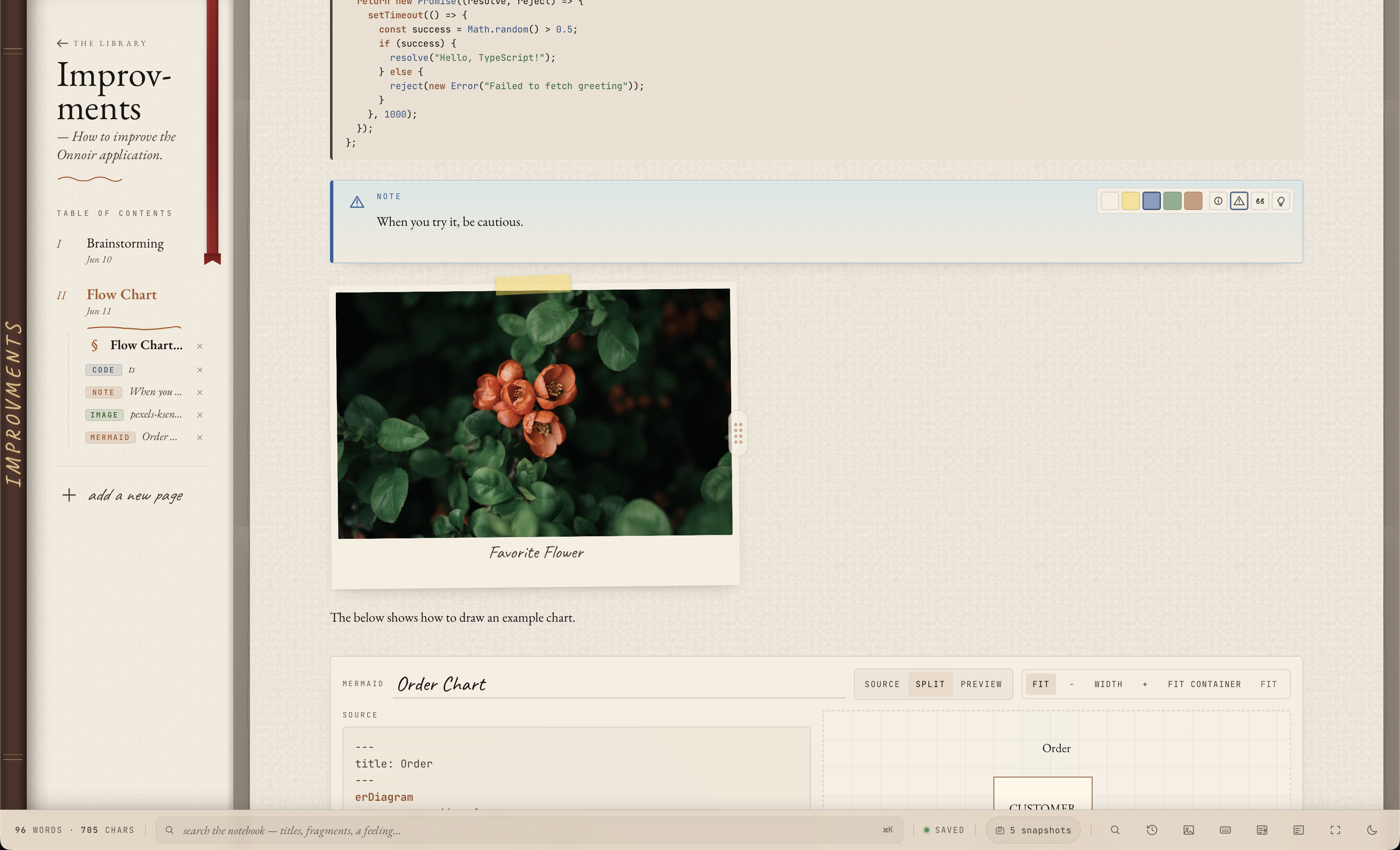
A page can hold text, code, math, Mermaid diagrams, callouts, tables, tasks, margin notes, local files, images, and canvas references, so supporting material stays close to the sentence that needs it.
Shelf
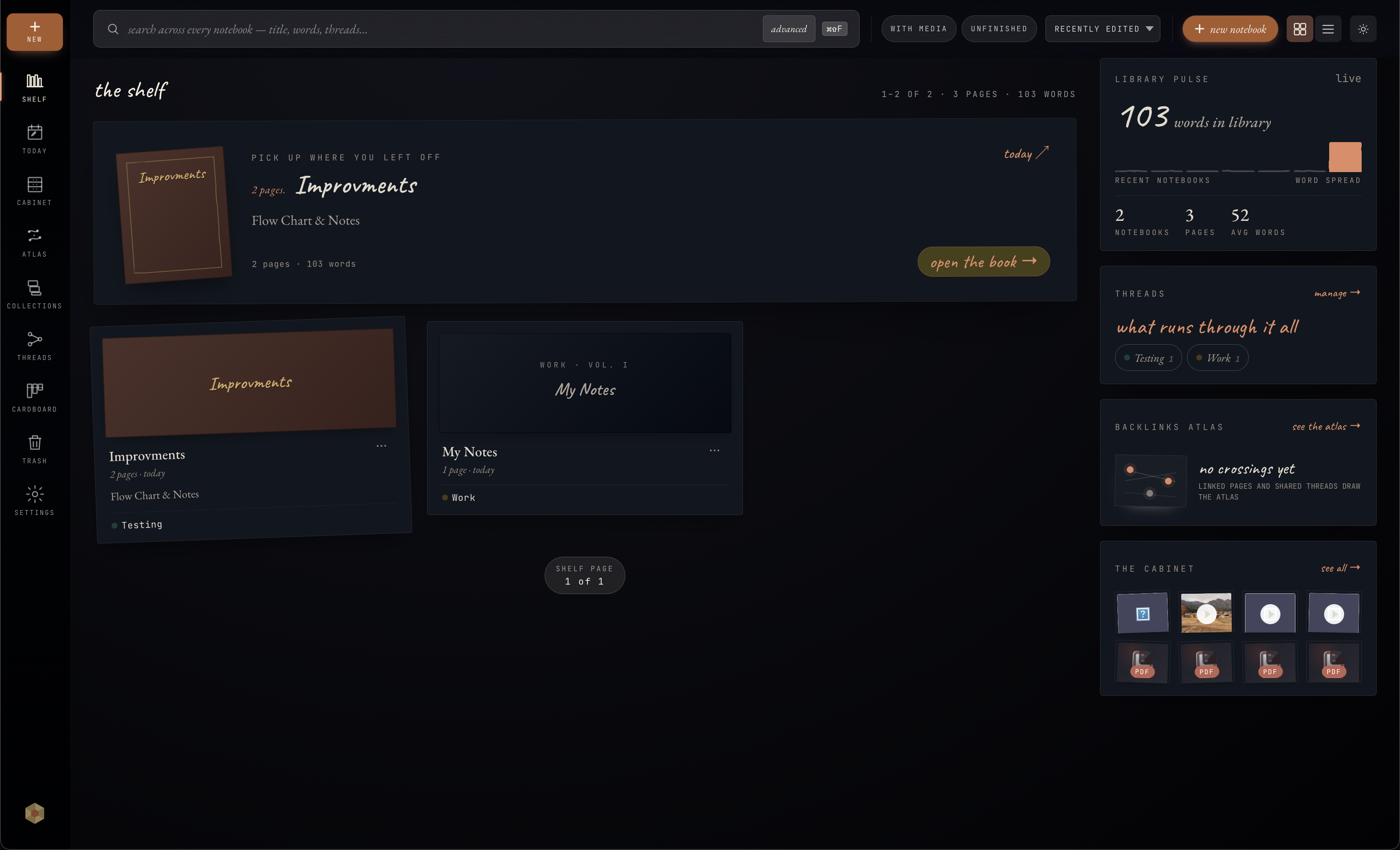
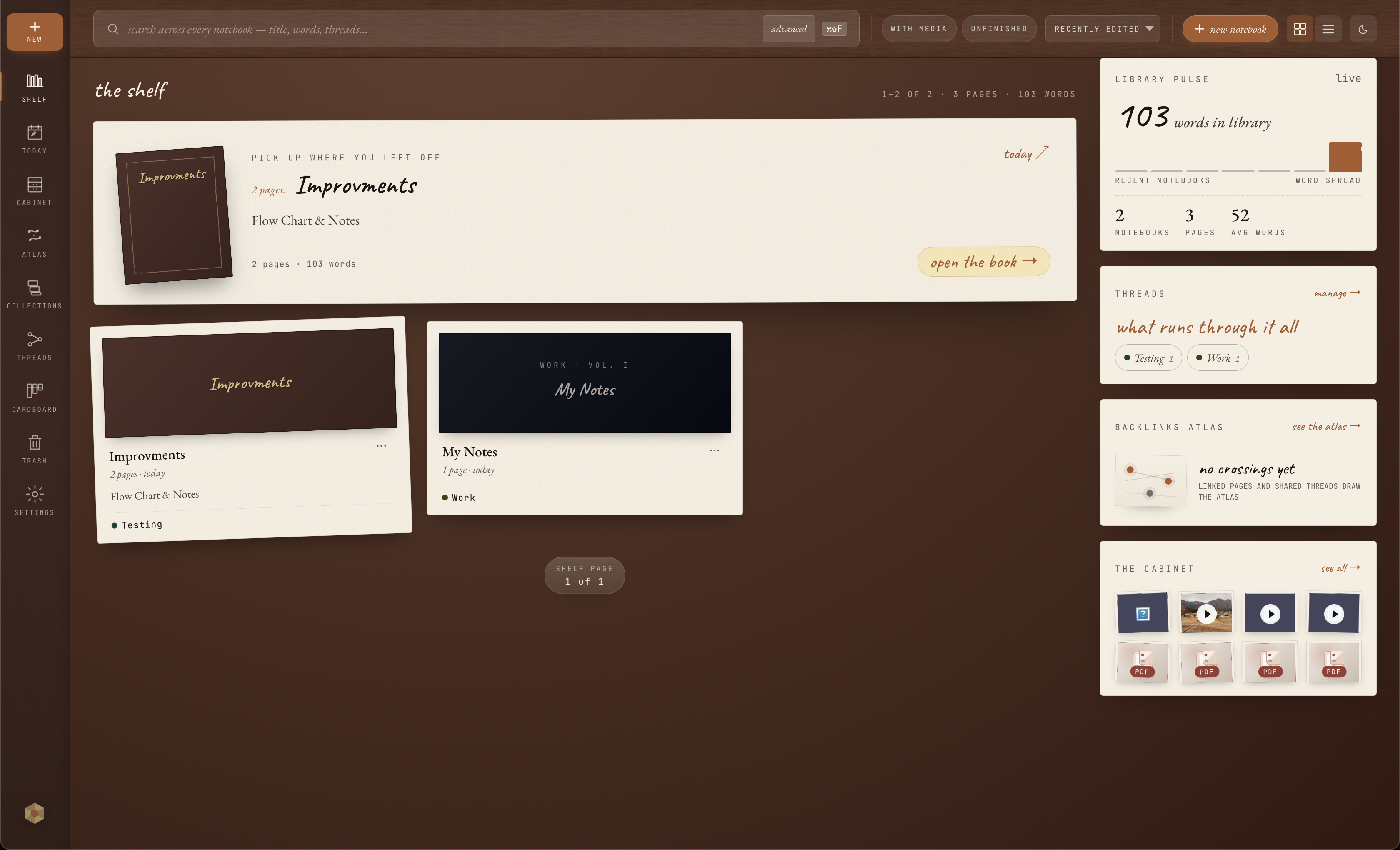
The shelf keeps projects visible, while threads, recent work, search, indexed document text, and library context help you move between pages without losing your place.
Cabinet
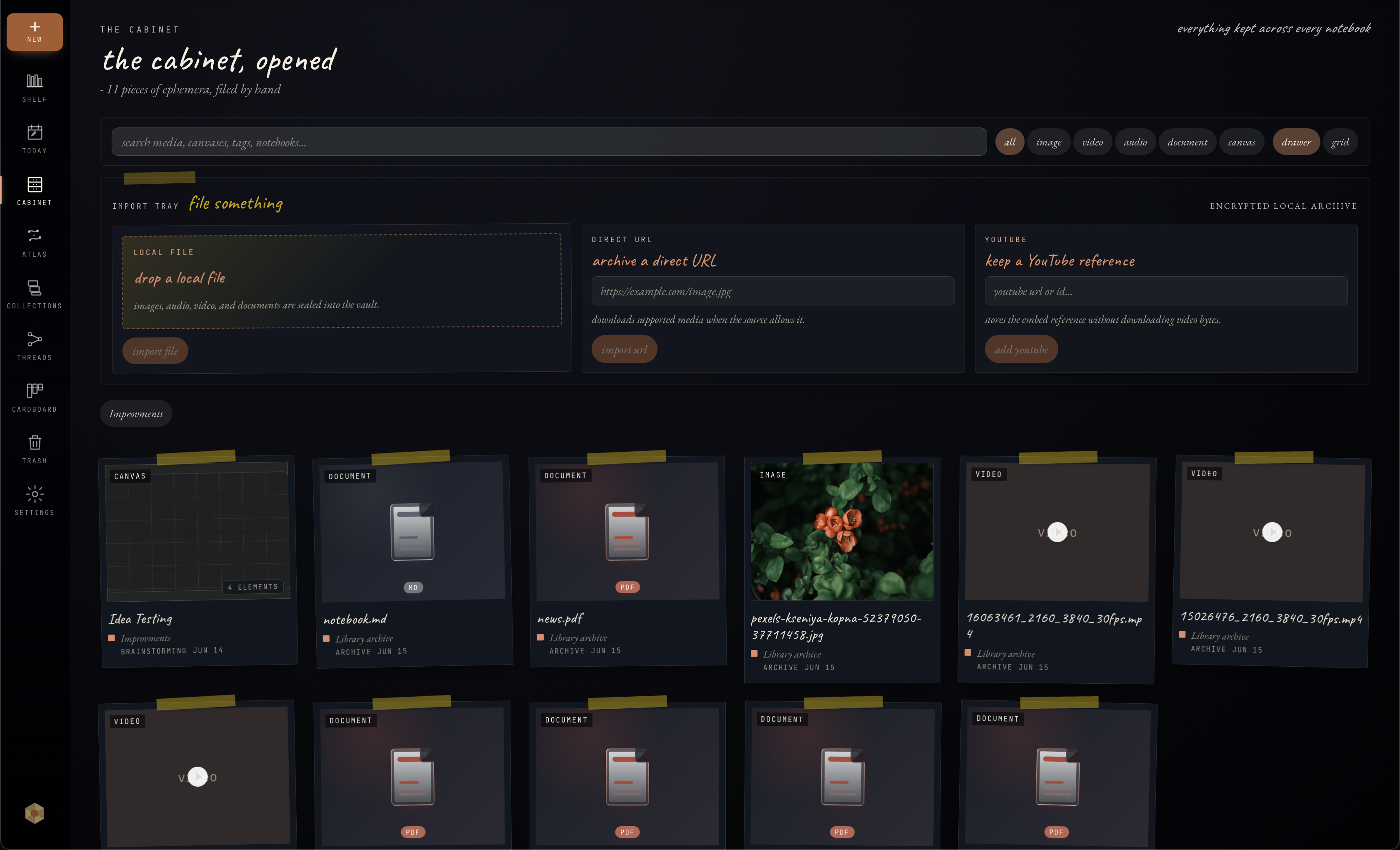
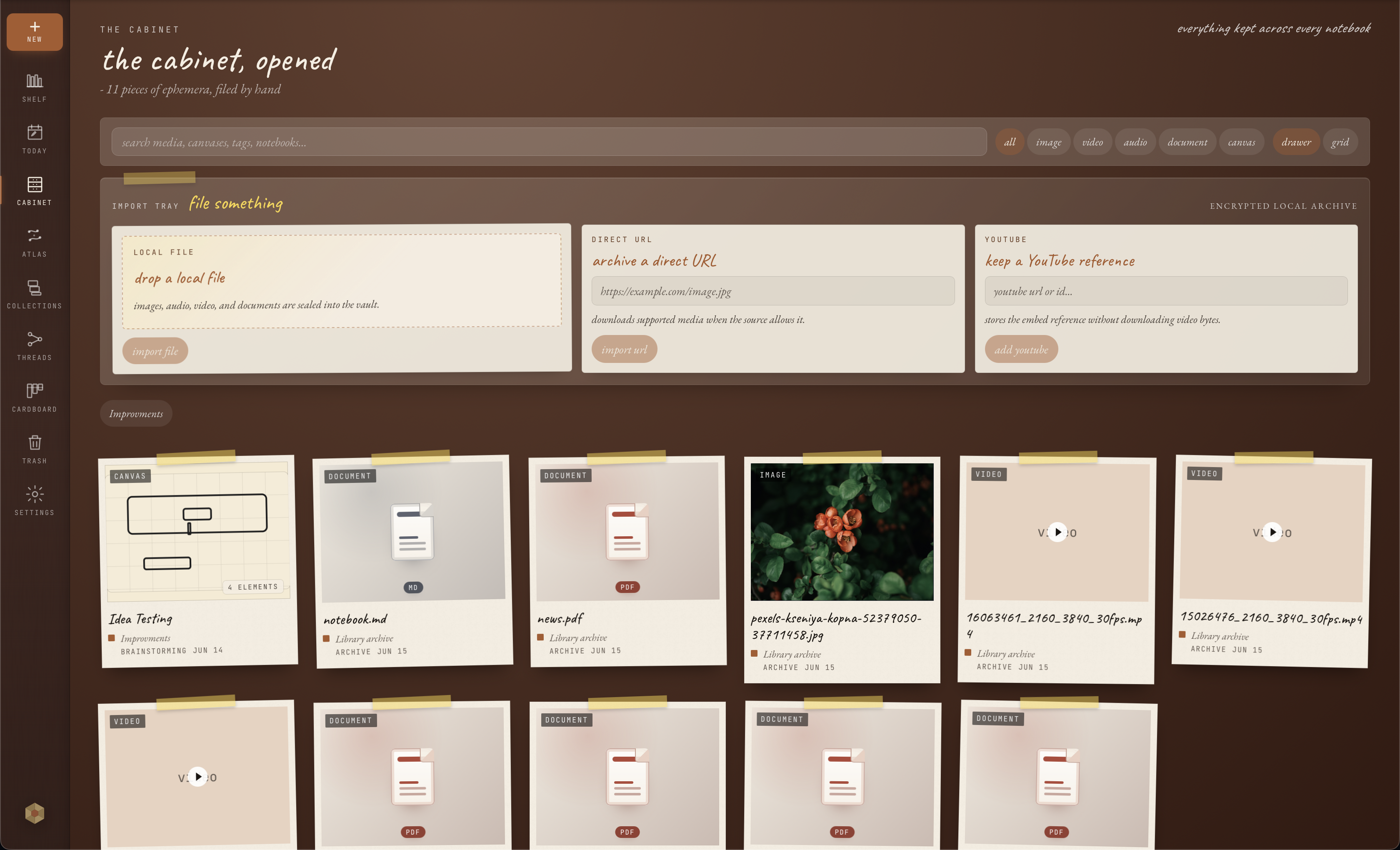
Cabinet keeps local media, PDFs, documents, videos, audio, and canvases attached to notebooks and pages. Supported files can contribute extracted text to search when document indexing succeeds.
Atlas
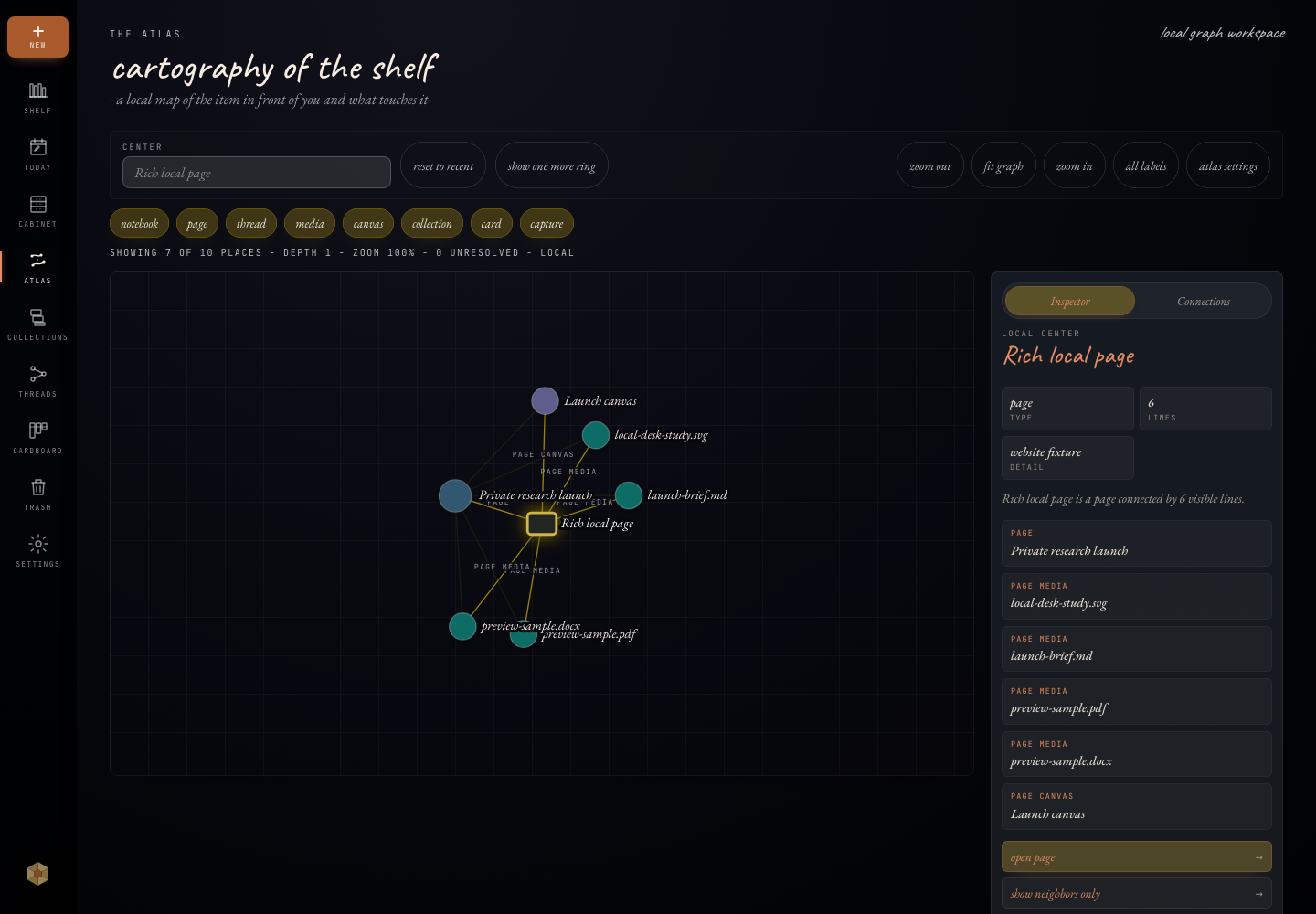
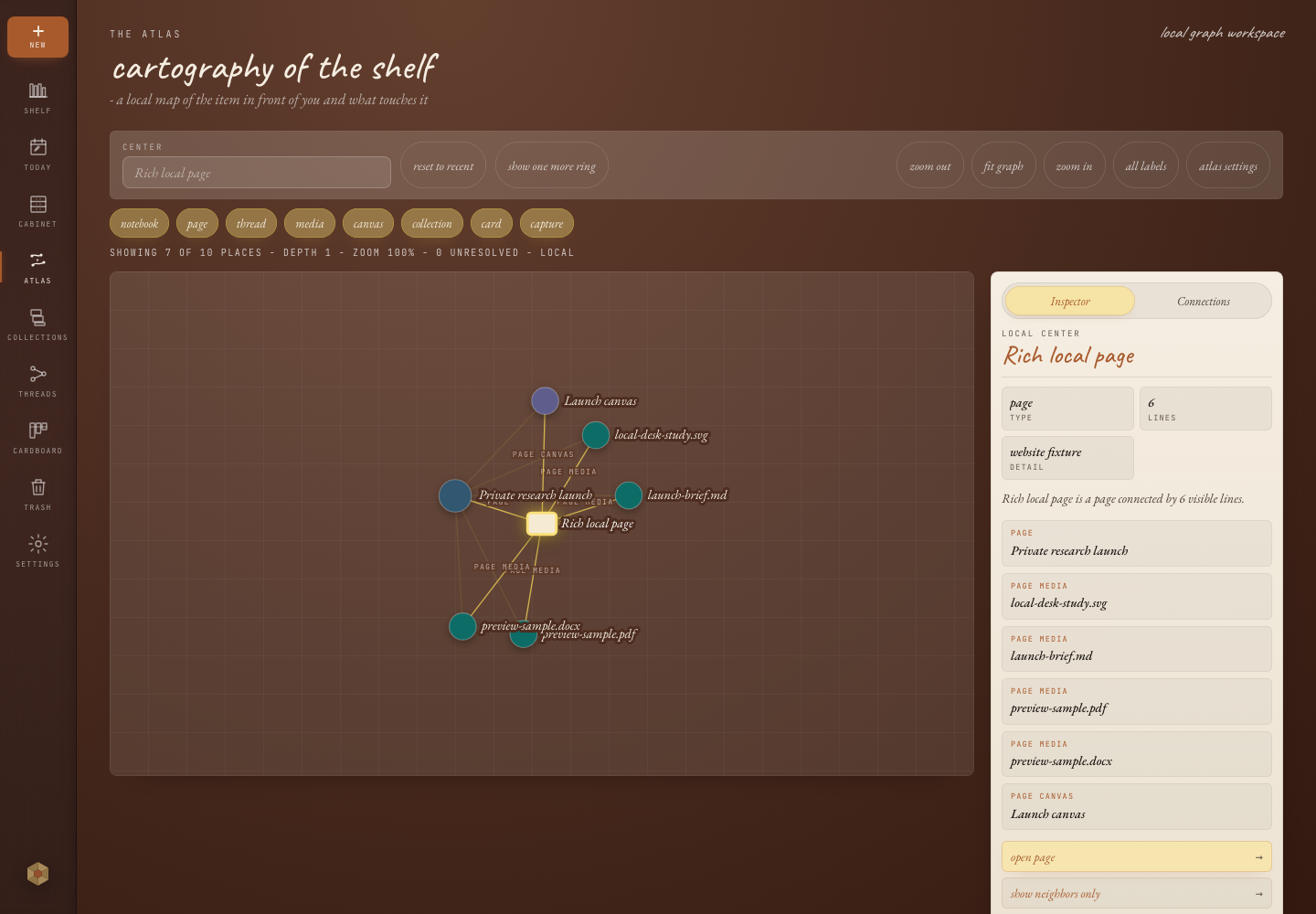
Atlas gives the library a visible shape, making it easier to see which areas are well-developed and which pages still need another source.
Backups
Markdown export creates open files you can inspect outside Onnoir. Encrypted .onbk backups preserve the full local library for restore.
Optional services
Onnoir is local-first. Future Sync or Publish services may be offered separately as opt-in features. They are not required to write, organize, back up, or export your local library.
Available for macOS and Windows with no account required. Before updates, create and verify a recoverable backup.