Skip to content

Encrypted notebook

An encrypted desktop notebook for private notes and research.

Some notes are not team docs or public knowledge bases. Onnoir gives those notes a local encrypted home with rich pages, source material, and recovery tools that stay close to the writing.

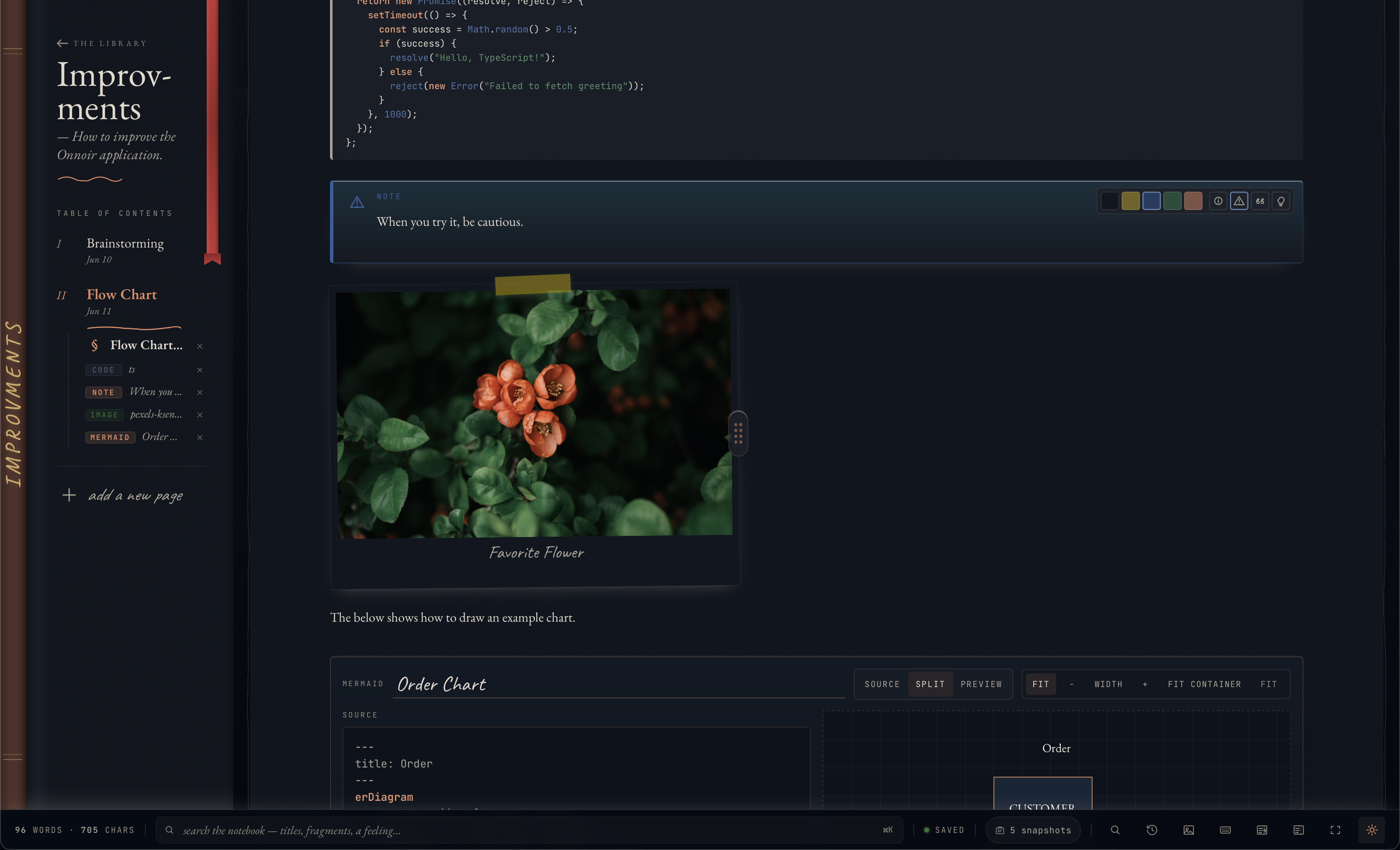
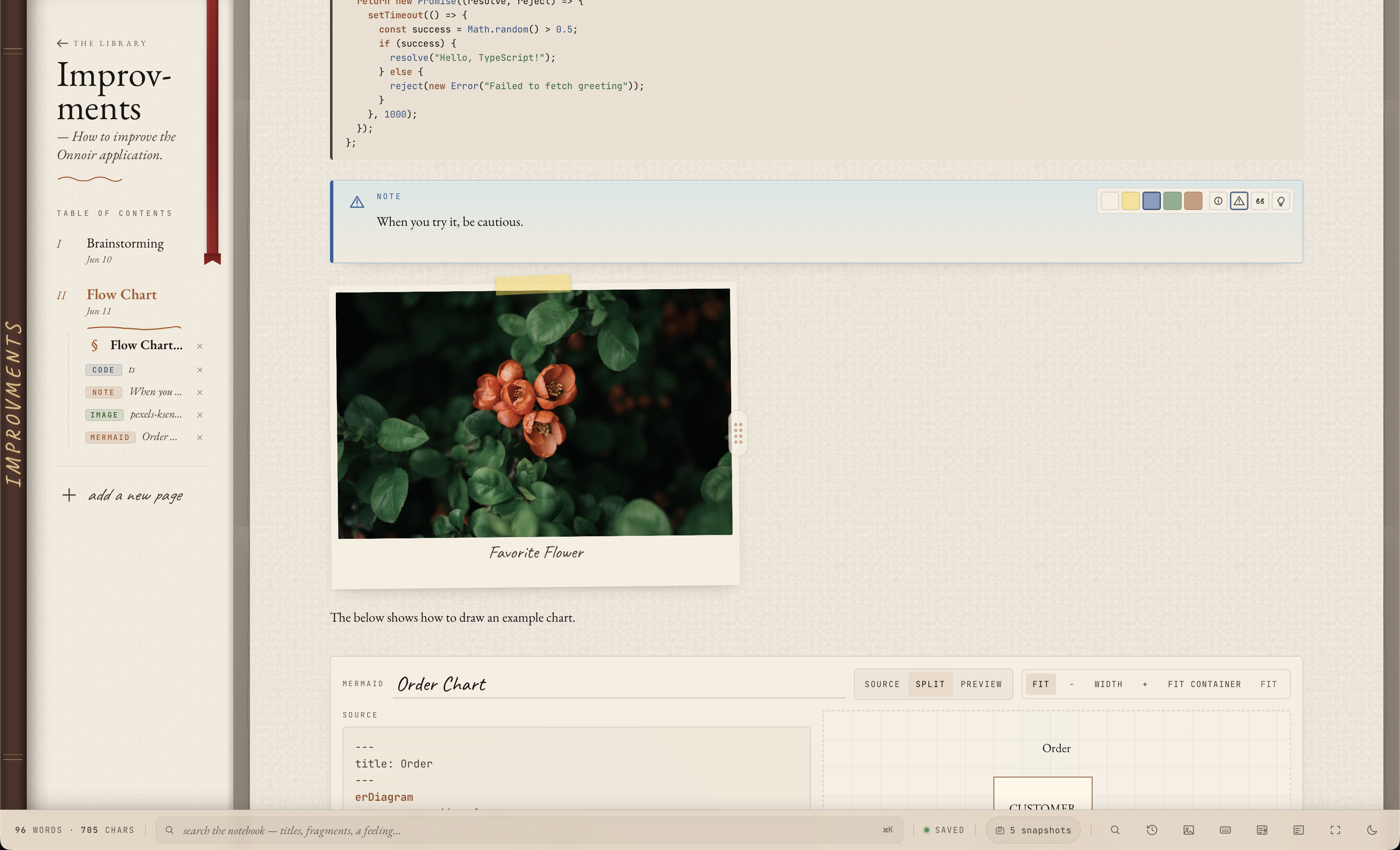
Onnoir editor with rich private notes, tables, callouts, code, and media references Onnoir editor with rich private notes, tables, callouts, code, and media references

How it works

Private by default

Use encryption for the notebook, not just the connection.

Onnoir stores notebook content in a local encrypted vault. That is different from relying only on HTTPS to reach a hosted workspace. Your passphrase and recovery key remain important, so backups and recovery material should be handled carefully.

Research material

Keep source files beside the writing they support.

Cabinet and page references let you keep local media, documents, images, and canvases near the notes that depend on them. Supported documents can also contribute extracted text to search when indexing succeeds.

Recovery

Private work still needs a recovery routine.

Encrypted backups are meant for exact restore. Markdown export is meant for readable copies. Onnoir keeps both workflows visible because losing private work is its own kind of privacy failure.

Fit

When this is the right tool.

Good fit

  • private journals and research notebooks
  • sensitive work notes on macOS or Windows
  • users who want local backups and Markdown export

Not the focus

  • password-manager storage
  • shared company wiki workflows
  • automatic multi-device sync in the current desktop app

Passphrase-based access

Onnoir is built around local vault access rather than account login.

Rich pages and documents

Use prose, structured blocks, code, math, tables, tasks, file references, document previews, and searchable source material.

Backup verification

Create and verify encrypted backups before updates.

Questions

Can Onnoir recover my passphrase?+

No. You need to keep recovery material somewhere safe. Onnoir cannot reset local vault access through an account.

Is Onnoir a password manager?+

No. Onnoir is a private notebook and research library, not a credential manager.

Related

Keep exploring.

Start with the free local app.

Available for macOS and Windows with no account required. Before updates, create and verify a recoverable backup.