Skip to content

Research library

A private research library for notes and the source files behind them.

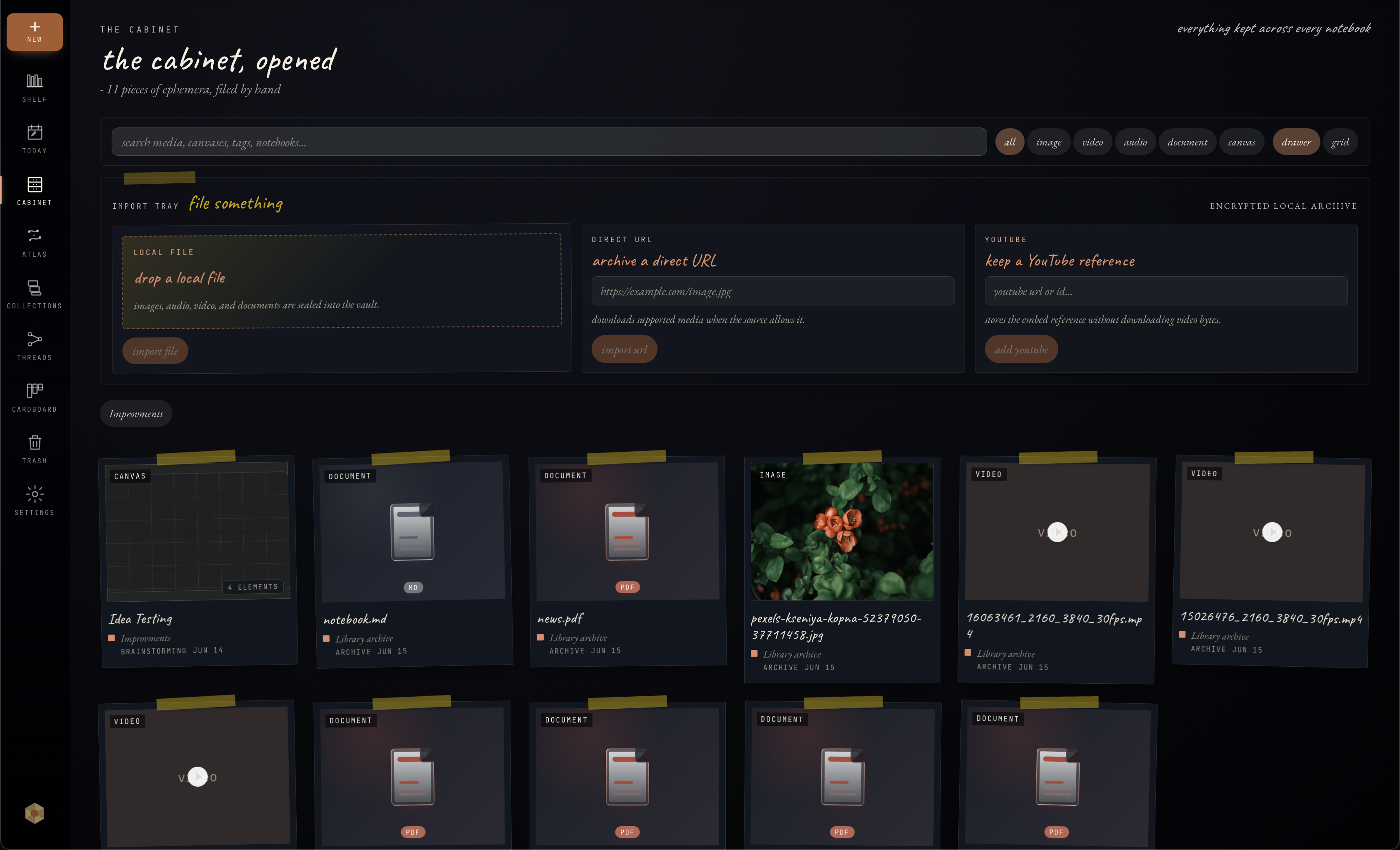
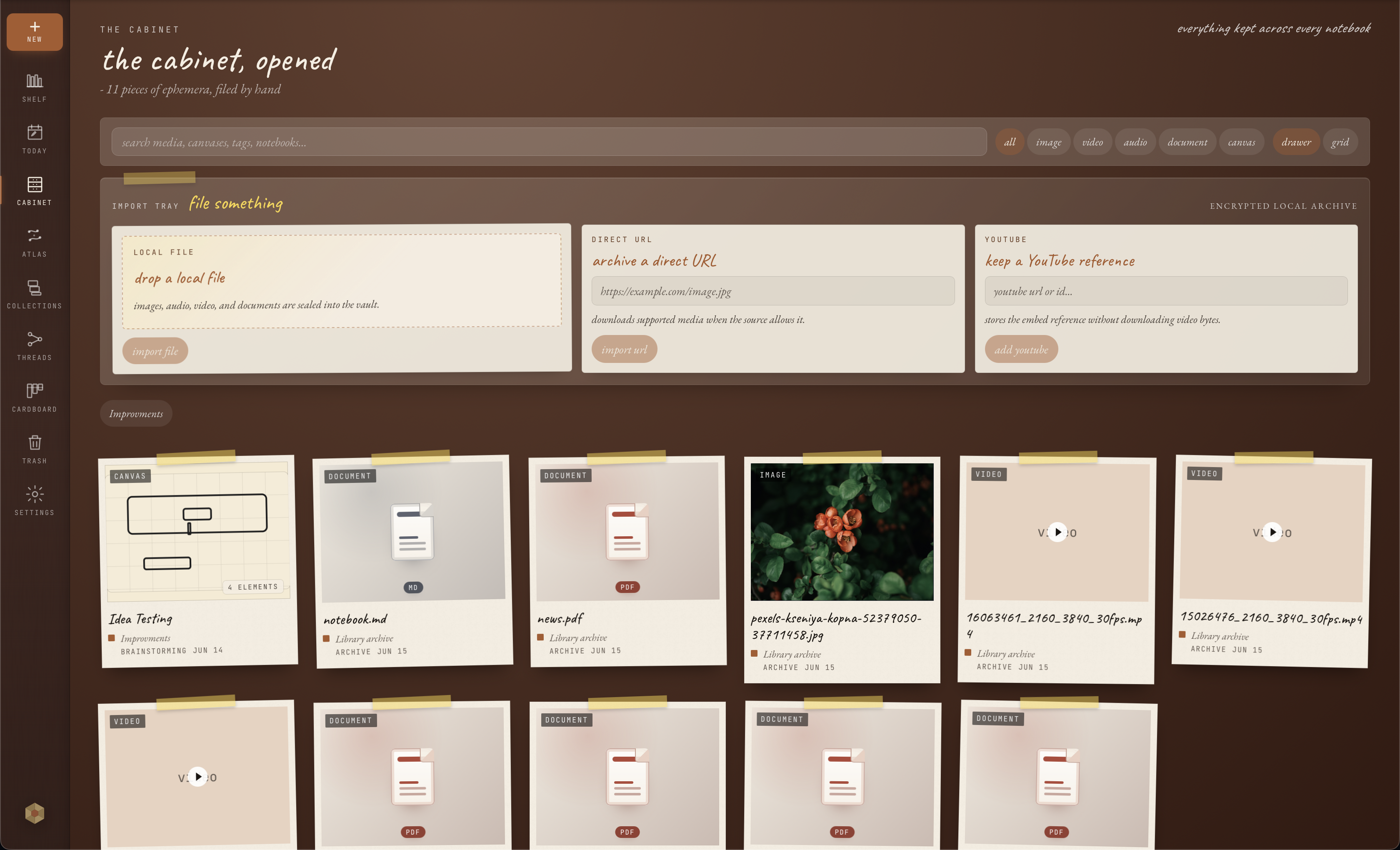
Onnoir is strongest when notes and source material belong together. Keep private writing, Cabinet files, document previews, extracted document text, search, export, and recovery in one local desktop library.

Onnoir Cabinet showing local source files, documents, media, and research material Onnoir Cabinet showing local source files, documents, media, and research material

How it works

Source material

Keep PDFs, documents, media, and notes in the same research context.

Cabinet is built for source-heavy work: PDFs, DOCX files, text-like documents, images, recordings, videos, canvases, and references can stay near the pages and notebooks that use them.

Document search

Search more than the words you typed into a note.

When document indexing is enabled, Onnoir can search extracted text from PDFs, DOCX, Markdown, plain-text documents, and OCR-readable PDFs when extraction succeeds. That makes it easier to find the source behind a thought, not just the note that quoted it.

Local recovery

Private research needs a recovery routine.

Source-heavy private work is hard to rebuild from memory. Onnoir keeps readable export and exact backup workflows visible so recovery is part of the routine, not a last-minute task.

Fit

When this is the right tool.

Good fit

  • research projects with PDFs, DOCX files, and notes
  • private source-heavy work that should stay local
  • users who need search plus backup/export discipline

Not the focus

  • shared literature review databases
  • cloud team knowledge bases
  • guaranteed OCR for every scanned or image-heavy file

Search notes and documents

Find notebook text, Cabinet items, Collections, and indexed document text from supported files.

Preview without losing context

Document previews and search handoffs help you return to the relevant source location when available.

Keep the library local

Onnoir is a desktop workflow for research that should not begin in a hosted workspace.

Questions

Can Onnoir search inside PDFs?+

Onnoir can search extracted PDF text when document indexing is enabled. OCR-readable PDFs can also produce searchable text when OCR succeeds, but scanned or image-heavy files may not always produce useful text.

Is document search a replacement for backup verification?+

No. Search indexes help you find material. Backup verification is still the way to confirm a recoverable encrypted backup.

Related

Keep exploring.

Start with the free local app.

Available for macOS and Windows with no account required. Before updates, create and verify a recoverable backup.