File model
Plain Markdown vault or encrypted app-managed vault.
Obsidian stores notes as Markdown files in a local folder. Onnoir stores notebook content in a local encrypted vault and exports Markdown when you want readable copies outside the app.
Comparison
Obsidian is a powerful local Markdown knowledge base. Onnoir is different: it uses an encrypted app-managed local vault with rich pages, Cabinet source material, document text search, and explicit recovery workflows.
File model
Obsidian stores notes as Markdown files in a local folder. Onnoir stores notebook content in a local encrypted vault and exports Markdown when you want readable copies outside the app.
Workflow
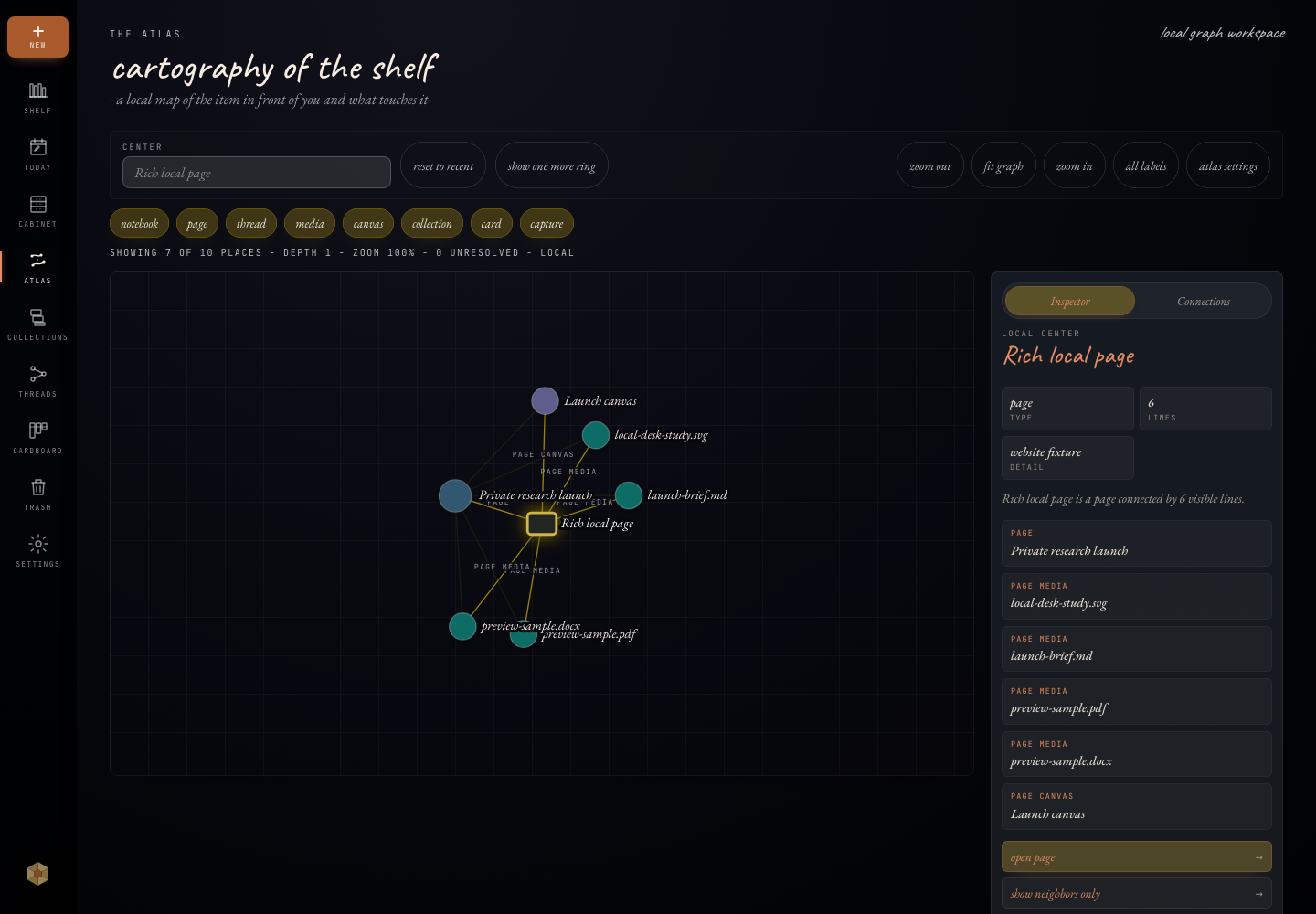
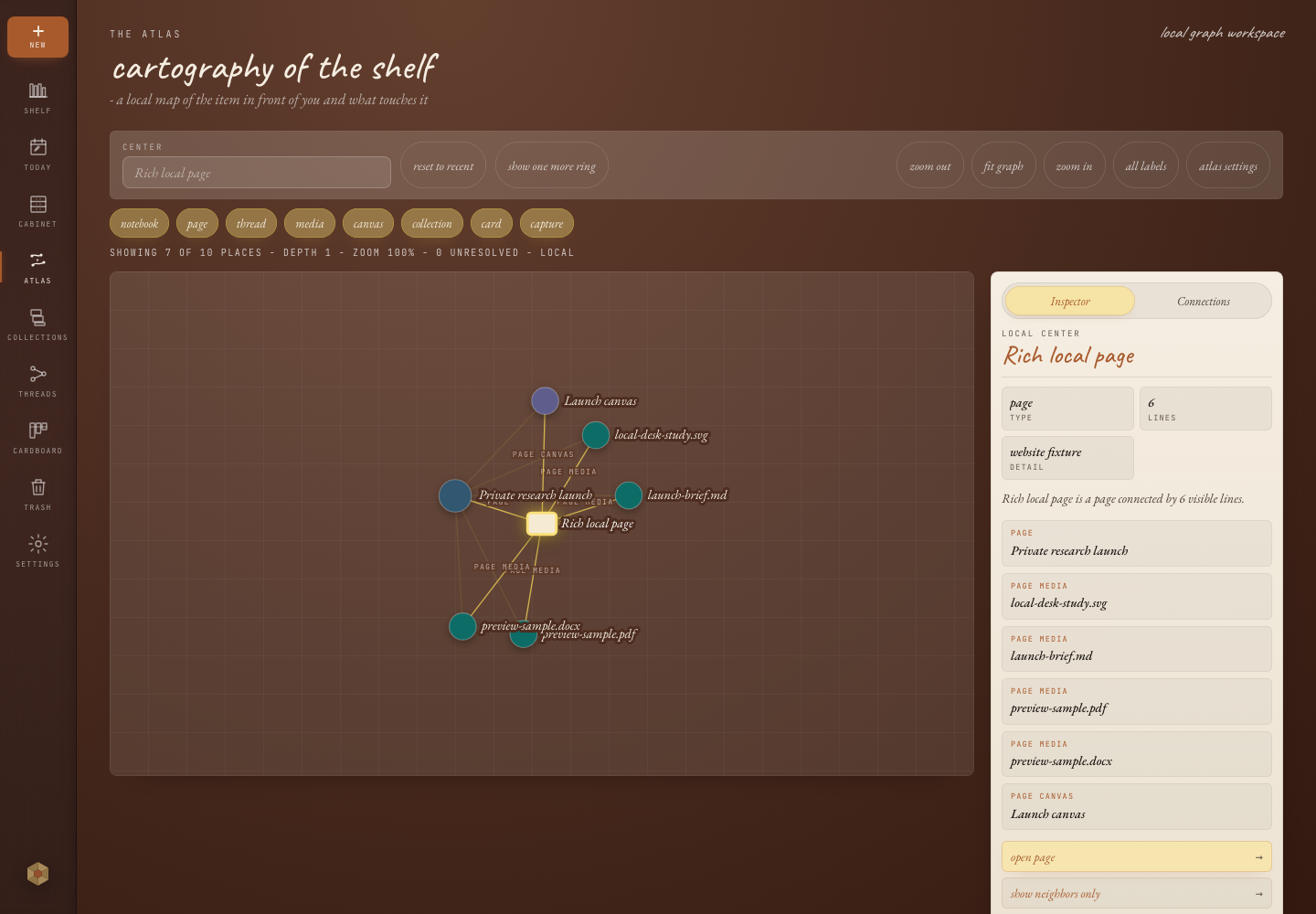
Onnoir is designed for private research that includes writing, local files, media, document previews, extracted PDF and DOCX text, OCR-readable PDF content when indexing succeeds, canvases, threads, search, Atlas context, export, and backups.
Document handling
Obsidian is excellent when Markdown files are the center of the workflow. Onnoir is stronger when notes, Cabinet files, document previews, search handoffs, and encrypted recovery belong in one app-shaped local library.
Limits
If you want a highly customizable Markdown vault and plugin ecosystem, Obsidian may fit better. If you want an opinionated encrypted notebook with built-in document handling and recovery paths, Onnoir is the better fit. Last reviewed: June 2026.
Decision guide
Encryption, backups, source material, document search, and an app-managed private library matter most.
Plain Markdown files, customization, and plugins are central to your workflow.
You want Onnoir for private encrypted work and Markdown export for selected downstream workflows.
Questions
No. Onnoir stores notebook content in a local encrypted vault and can export readable Markdown copies.
Yes, when document indexing is enabled and extraction succeeds. Onnoir can index supported text from PDFs, DOCX, Markdown, plain text, and OCR-readable PDFs.
Onnoir is designed around an encrypted local vault. A plain local Markdown folder is readable by any process or user account that can access those files.
Related
Available for macOS and Windows with no account required. Before updates, create and verify a recoverable backup.